


Engineering / Project story
Building a PDF layout engine from scratch
At my current company, a request for detailed monthly invoices grew into a layout problem: changing backend data had to become readable, multi-page PDFs. I designed and built the C# engine that makes that transformation possible.
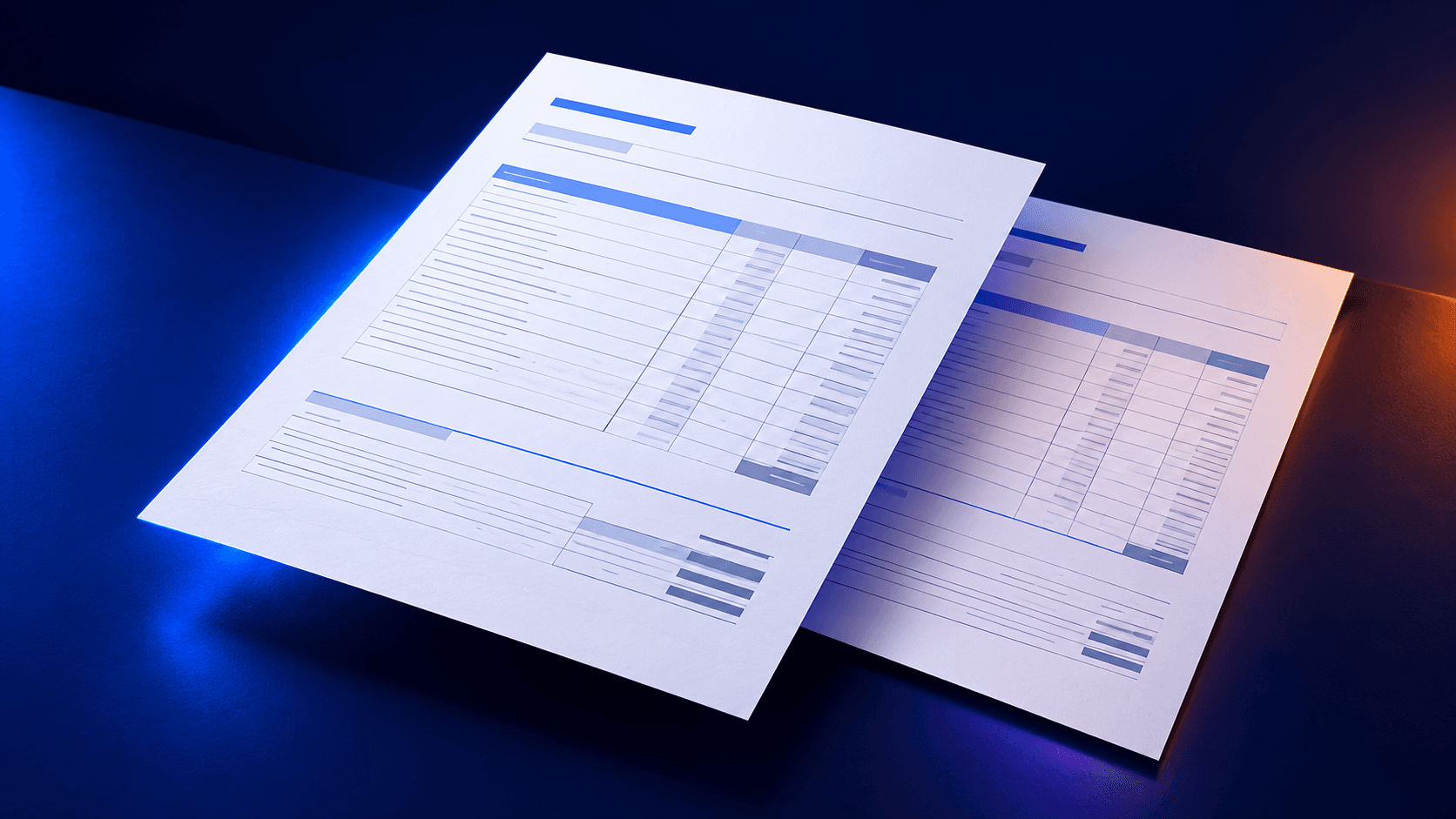
Behind the document
Watch an invoice find its shape.
Changing content still needs clear, readable pages. Explore the layout system I built through an illustrated example.
Start with the information.
Items, amounts, and payment details arrive together. The content stays separate from how the finished document will look.
Different content. The same document-building process.
Step 1: Start with the information.
Behind the work
What was hiding behind “generate an invoice”
A fixed page. Unpredictable data.
Generating one PDF invoice sounds simple until the next order has different products, fees, currencies, payment instructions, or regional requirements. One document might have a short table; another needs dozens of rows and a different set of amount columns. Both must fit on A4 pages and remain legible.
There was a business choice behind the technical one: invest in an internal capability rather than add another recurring document-generation license. The chosen PDF library offered low-level drawing operations, but no content-aware layout. The logic for fitting and continuing content had to be built.
- Variable rows, columns, and regional formats
- A4 pagination without cutting off content
- An in-house system without another recurring license
When a table becomes an algorithm
I designed a document-rendering system, not a set of hardcoded coordinates for one invoice. Structured billing data becomes document elements; styles describe their appearance; measurement calculates the space they need; the renderer then draws the pages.
Tables were the hardest part. Some columns have fixed widths, others share the remaining space. Descriptions must wrap, while monetary values should stay together. I implemented sizing and fallback rules for changing column sets, plus configurable borders that stay consistent when a table continues on another page.
A PDF has no infinite scroll. Before drawing, the engine measures text, predicts line breaks and element heights, then decides what fits on the current page. That is the point where “generate an invoice” became a genuine layout problem.
Shared resources, isolated documents
This work lives inside a backend with high-load asynchronous workflows. Fonts, images, and styles should be initialized safely and reused across requests; each invoice's layout state must remain its own. I designed the resource handling around that separation so concurrent generation would not make documents interfere with one another.
A production capability, not a one-off PDF
The engine shipped and remains in production for my company's monthly consumption invoices. It supports dynamic tables, multi-page layouts, localization, payment information, and formats including Australian tax invoices. Building it in-house avoided the additional document-generation license.
Invoices are its only production use case today. I built the underlying layout architecture so it could support other document formats later. The value of the work was turning a narrow feature request into a reusable internal system, while staying honest about what has actually shipped.